
今回は、Google Chrome 更新時のエラー「エラーコード 3:0x80080005 — system level」の解決法を紹介します。
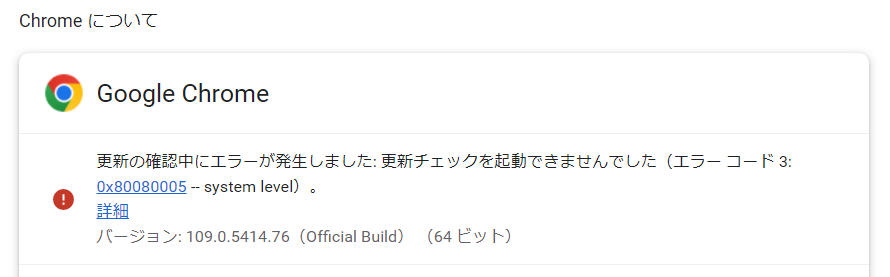
Microsoft Edge に続き、Google Chrome でも同じようなエラーが出てしまいました。
解決!Microsoft Edge コンポーネントを作成できませんでした「エラーコード 3:0x80040111」
Google Chrome 更新エラーの解決法
実際の症状
Google Chrome の設定を開き、「Chrome について」を開くと、いつもは問題なく自動で最新のバージョンに更新されるのですが、今回は一度だけユーザーアカウント制御の画面が開きました。
OK を押すと、しばらくして「エラーコード 3:0x80080005 — system level」が表示され、更新が失敗します。
解決法
1.最新バージョンのインストール
1.次の Google Chrome 公式ページから Google Chrome をダウンロードしてください。
https://www.google.com/intl/ja_jp/chrome/
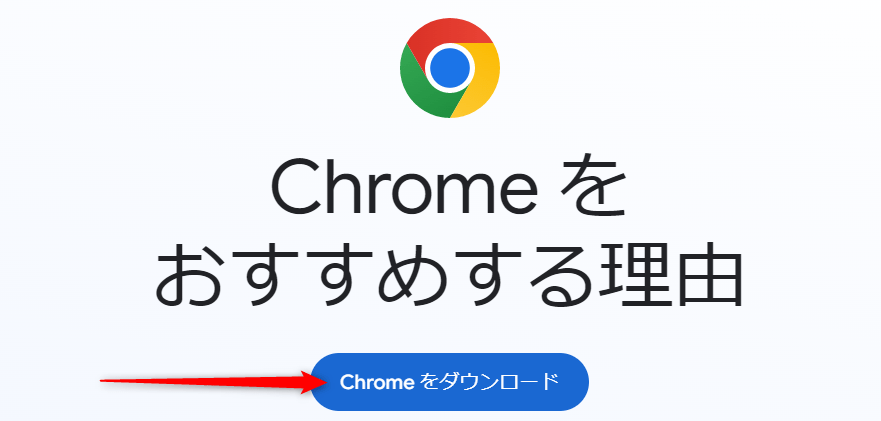
2.ダウンロードした「ChromeSetup.exe」を実行してインストールをします。
インストールが終わると通常は自動で再起動されますが、再起動されない場合は手動で行ってください。
これでエラーが表示されなくなると思いますが、もしもエラーが消えない場合は Google Chrome に関するレジストリの値を削除してからインストールを実行してみてください。
2.Google Chrome に関するレジストリの値を削除
レジストリの操作を間違えると、システムが起動できなくなるなどの不具合が起きる可能性があります。事前にシステムの復元などでバックアップを取り、自己責任で行うようお願いします。
- システムの復元ポイント作成方法及び復元方法
- レジストリエディターの開き方及びバックアップ方法
- Windows 11/10 レジストリの予備知識|概念・開き方・内部構成
- Windows 11レジストリの所有権を取得し、アクセス許可を変更する方法

 ポチップ
ポチップ
1.Windowsキー + R を押して「ファイル名を指定して実行」を開き、「regedit」と入力して Enter を押します。
2.レジストリエディターが開きますので、次のキーを開きます。
HKEY_LOCAL_MACHINE\SOFTWARE\WOW6432Node\Google\Update\Clients\{430FD4D0-B729-4F61-AA34-91526481799D}3.「{430FD4D0-B729-4F61-AA34-91526481799D}」キーの上で右クリック>「削除」をクリックします。

4.レジストリエディターを閉じてから、先ほどダウンロードした「ChromeSetup.exe」を実行してインストールをしてください。
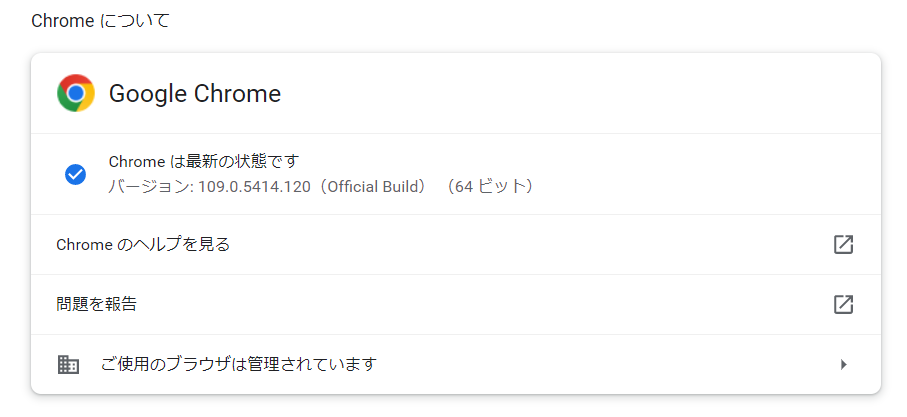
5.Google Chrome の設定>「Chrome について」を開き、「Chrome は最新の状態です」と表示されたことを確認してください。


コメント